
Staying in Touch With Clients in Times of Turmoil Through Cobrowse
The article discusses how Orion Advisor Tech, through its free integration with Glia's cobrowse technology, enables financial advisors to maintain secure, real-time, no-download-required virtual communication with clients during the COVID-19 pandemic's social distancing measures to alleviate client stress about their portfolios.
🎟 Don't Miss Our Limited $849 Ascent Offer — Save $350 With Code ASCENT27EB. Register Now →
Staying in Touch With Clients in Times of Turmoil Through Cobrowse
Advisor Tech
March 19, 2020
March 19, 2020 08:51 AM
Share: Facebook Twitter LinkedIn Email

The current market conditions has caused clients to stress about their financial futures. In any other time and place, this would lead to a parade of in-person meetings to ease fears and provide clarity. That may not be possible with the CDC recommended social distancing and self-quarantine to flatten the curve.
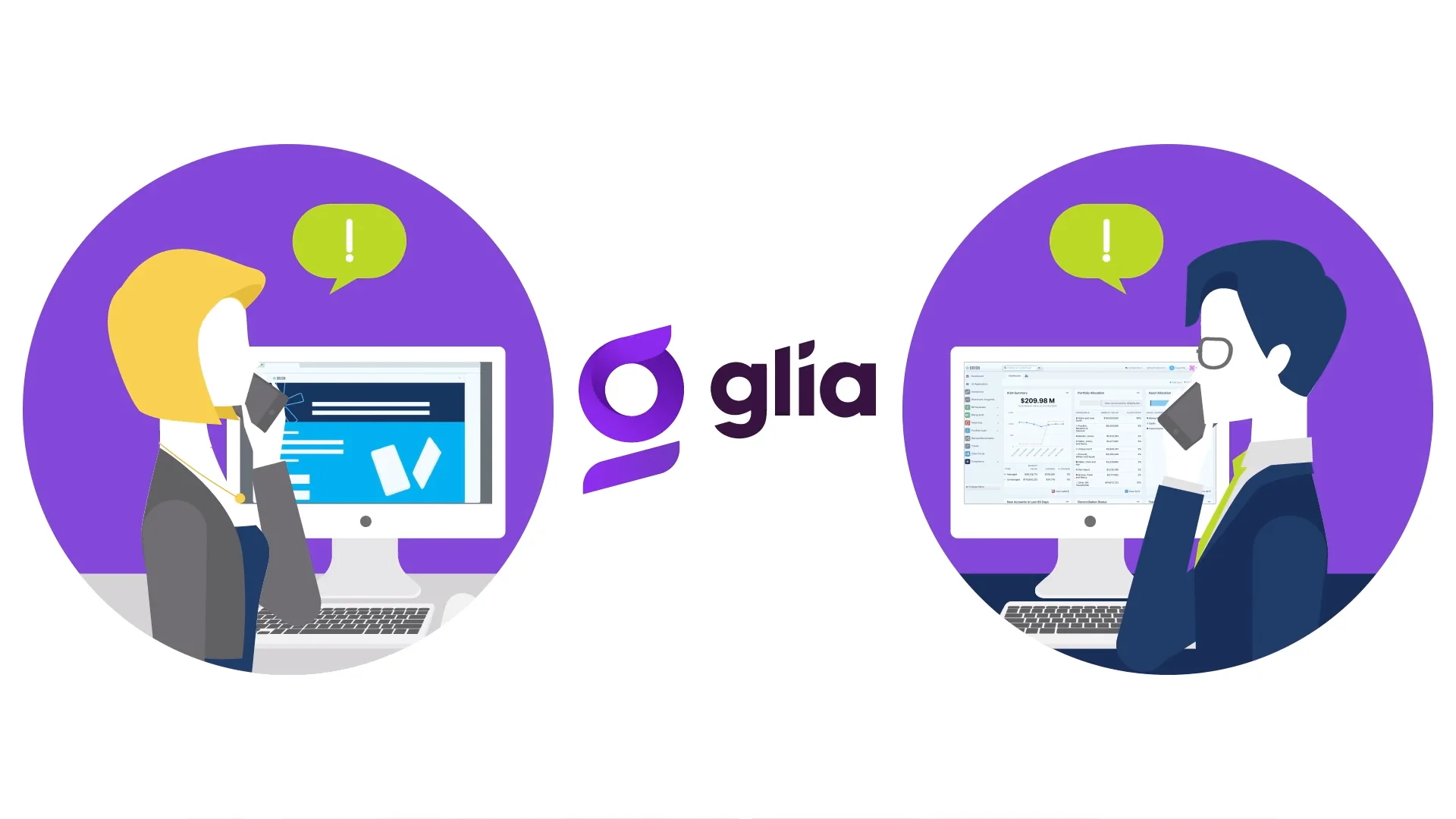
At Orion, we have a multitude of ways you can communicate with your clients to show them exactly where their portfolio stands without the risk of spreading the virus. Our free integration with Glia makes it easier than ever to be in-touch with a client, or even a rep, without having to be in the room. And the best part, absolutely no downloads are required, the tools are built right into our platform. Here’s how:
Press O for more options
Click for sound
2:07
Client Cobrowse
This feature is available for advisor and rep level users to cobrowse with end clients. That means advisors can interact with their clients through live observation, cobrowsing, full desktop screenshare and video sharing. For audio, all you have to do is be on the phone with your client to walk them through exactly what you need to.
To initiate this from Orion Connect, click Client Portal app > search for client > Click Cobrowse > Live Observation. The session will open in a new browser tab, then you can use upgrades to enable the other features.
Rep Cobrowse
As an admin, would it be helpful to have a way to cobrowse with a rep at your firm to show them something? We thought so, too, which is why rep cobrowse is available for advisor-level users to initiate cobrowse sessions with reps. When cobrowsing with reps, you will have all the same features as you would when cobrowsing with a client.
To use this feature, head to the Profile Menu > Select rep cobrowse > Search for rep > Click cobrowse button. For the session to start, the rep must also be signed in to Orion Connect.
Glia Hub
We’ve also given you the same functionality our support teams use with advisors to solve problems. As an advisor-level user, you can communicate with reps through the same features as the prior two levels, but audio and chat are also available to you. Plus, the audio recordings and chat transcripts are stored in Glia’s Engagement History for easy access.
To use the Glia Hub, there are two ways to initiate a session:
Proactive: When an advisor-level user is logged into the Glia Hub from the Glia app, advisors can use the “call” button to initiate a chat session with a rep, then request an audio or video upgrade. (Note: to log into the Glia Hub, the Glia user ID is the email tied to the Orion Connect user profile. Upon first login, click “forgot password” to set a password.)
Reactive: When an advisor is logged into the Glia Hub and have made themselves available, a “Let’s Talk” bubble will appear for reps to see in Orion Connect. By clicking the bubble, reps can initiate chat or audio, so long as at least one advisor-level user is available to accept engagements in Glia.
These three options provide advisors a way to keep in close contact with clients and co-workers alike. It is important to keep constant communication in times like these, without the spread of communicable disease. Orion gives you a way to do it all.
Current Orion users: Contact [email protected] or 888.695.0523
Not already using Orion? Contact [email protected] or 402.496.3513
0658-OAS-3/17/2020
Copy link
✓
Thanks for sharing!
Find any service
A2A