
The Importance of Strong Passwords in Keeping Your Data Safe
The article discusses the National Institute of Standards and Technology's updated password security recommendations, highlighting Orion's recent implementation of enhanced protections that prevent users from logging in with previously breached passwords by requiring immediate password resets to ensure stronger data security.
🎟 Don't Miss Our Limited $849 Ascent Offer — Save $350 With Code ASCENT27EB. Register Now →
The Importance of Strong Passwords in Keeping Your Data Safe
Advisor Tech
April 1, 2020
April 1, 2020 03:13 AM
Share: Facebook Twitter LinkedIn Email
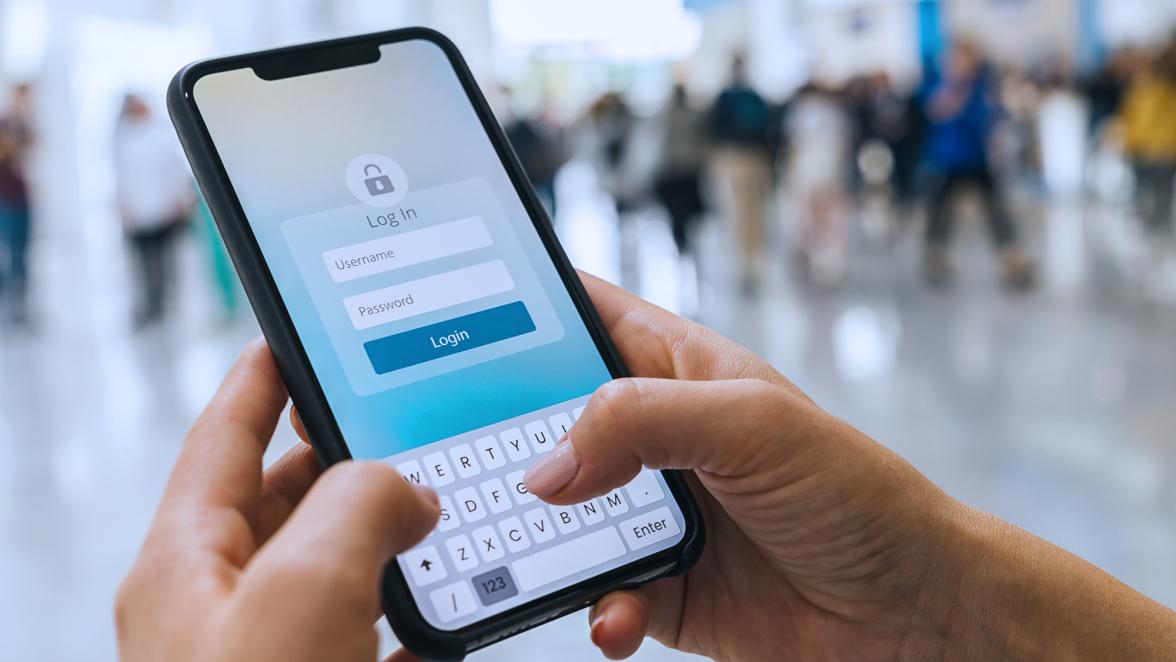
Over the last few years, the National Institute of Standards and Technology (NIST) have made updated recommendations for adequate password protections. Among those suggestions are the obvious, like no sequential numbers, and the not so obvious—such as the ability to use any special character if desired. The most important recommendation was to “restrict passwords obtained from previous breach corpuses.”
At Orion, we’ve made improvements over the last few months to bring our password security up to the stringent but important recommendations handed down by the NIST.
With our latest product release, we unveiled a host of updates to password security, the most profound surrounding passwords that have been used in previous breaches across the internet. Now, if you are using a password that has at any point in time been compromised, you will be prompted to reset your password upon login to Orion Connect. You will not be able to log in until your password is changed in accordance with our new password strength requirements, which you can find by reading further.
We’ve also made it easier for you to see if you’ve met the strength requirements with a new user experience that includes a password criteria checklist. These changes apply to your clients when logging into their client portal, as well.
Also new this month, there will now be a gauge telling you if your password is weak or strong, as well as a checklist that indicates when the criteria for the password are satisfied. That way, you can make educated decisions when formulating a new password. Plus, when you enter your password, you will have the option to click on an eye icon in the field that shows you what you’ve typed, or you can click it again to hide the characters.
In addition, you will have the option to select “Remember my device” for devices that you trust and the device will be remembered for the next login.
These changes, which were made during the March software release, are on top of other updates we have made over the last few months. Among them are:
- The minimum password length is now 10 characters
- You cannot change your password to one that is known to be compromised
- Your password cannot contain your first or last names, your user ID, your email address, or variations of the words “password,” “Orion” or “Advisor/Adviser”
- Passwords will not be able to contain several date-related words (year, month name, and season)
- Passwords will no longer expire
- Security questions will be removed
- Several new multi-factor authentication options will be added, in addition to email and text message
On top of these changes, what are some good tips and tricks to creating and maintaining a secure password?
Do not reuse passwords across websites
Even if you have created a strong password that you can easily remember, once that password is compromised, your data on every site where you have used that password is now vulnerable.
Adhere to modern password guidelines
To do this, we have to disregard some habits of the past. Today, complex passwords, with variations of upper and lower case, numbers and special characters, are not necessarily stronger. Longer is always better in today’s world. Password hints can easily be found in the age of social media, so do not use them as a means of password recovery.
Use a password manager, but not the one built into your web browser
Using a password manager means you only have to remember one complex password and the rest are stored away for safekeeping. Internally at Orion, we use RoboForm, but 1Password and LastPass have high marks from industry experts as well.
Set up multi-factor authentication
It seems simple, but it is very effective. Even if your password is compromised, this is another layer of protection that saves your information from being stolen.
If you have any questions or concerns on how we’re improving our password protection, please reach out to [email protected].
0691-OAS-3/20/2020
Copy link
✓
Thanks for sharing!
Find any service
A2A